Media loading...
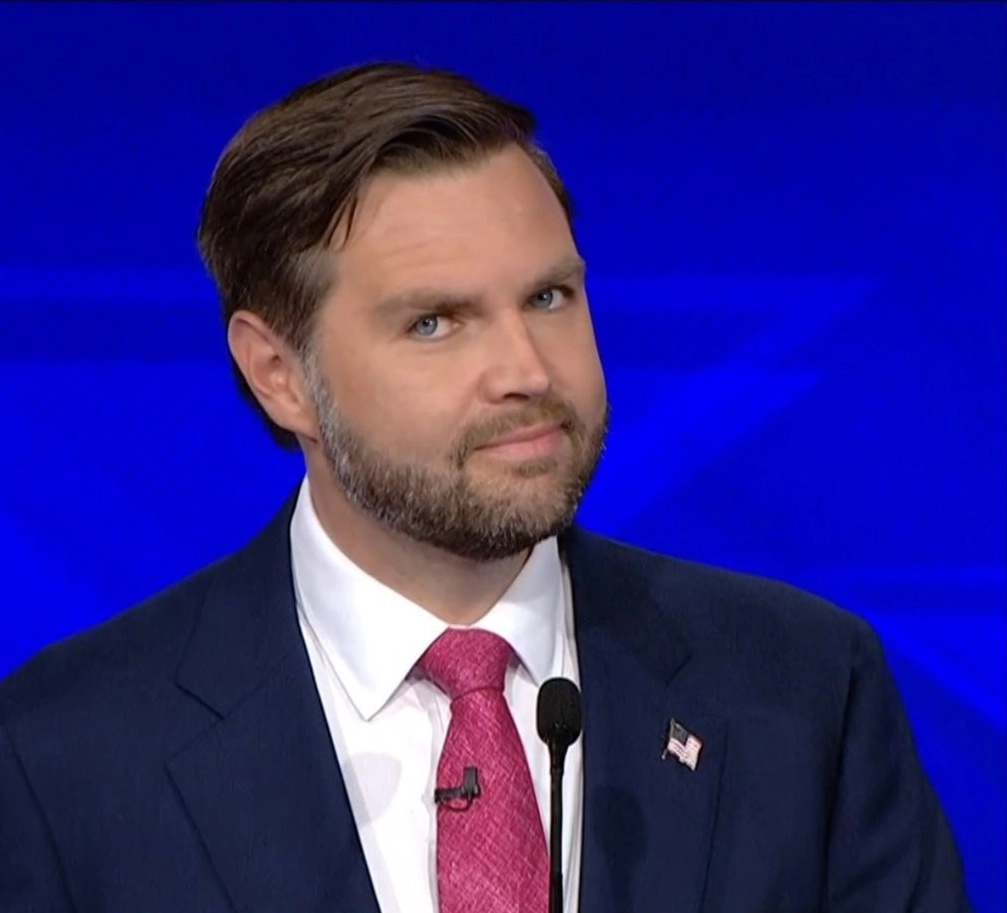
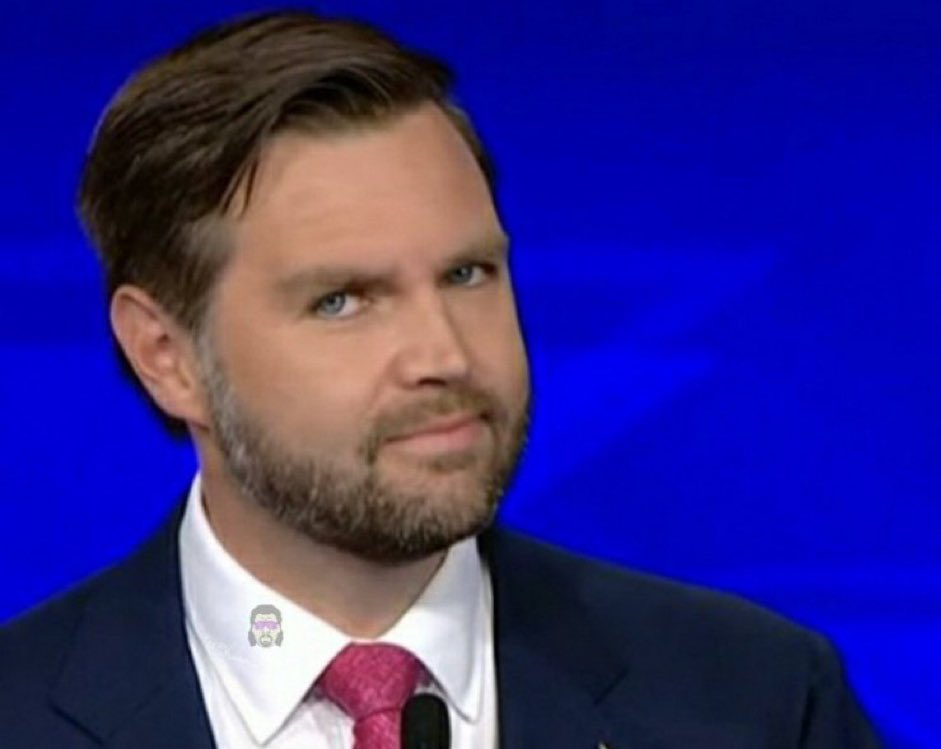
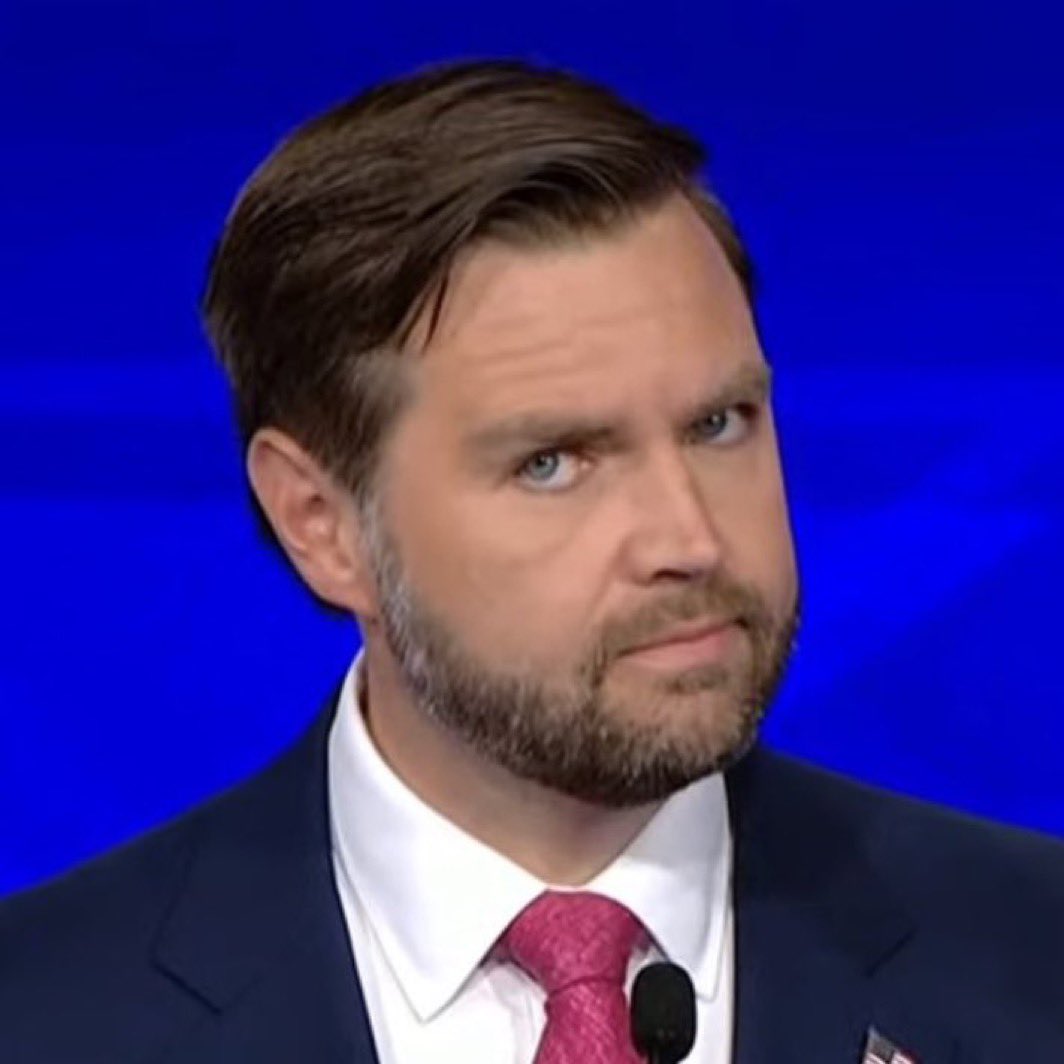
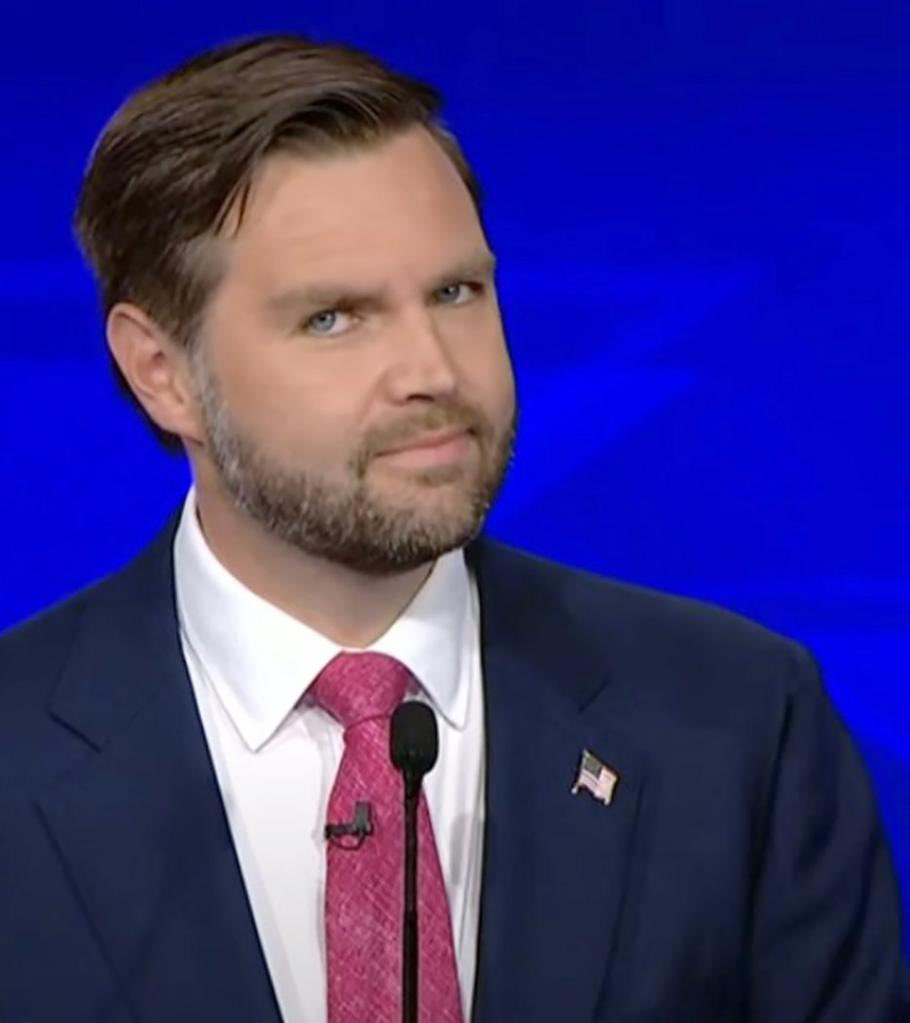
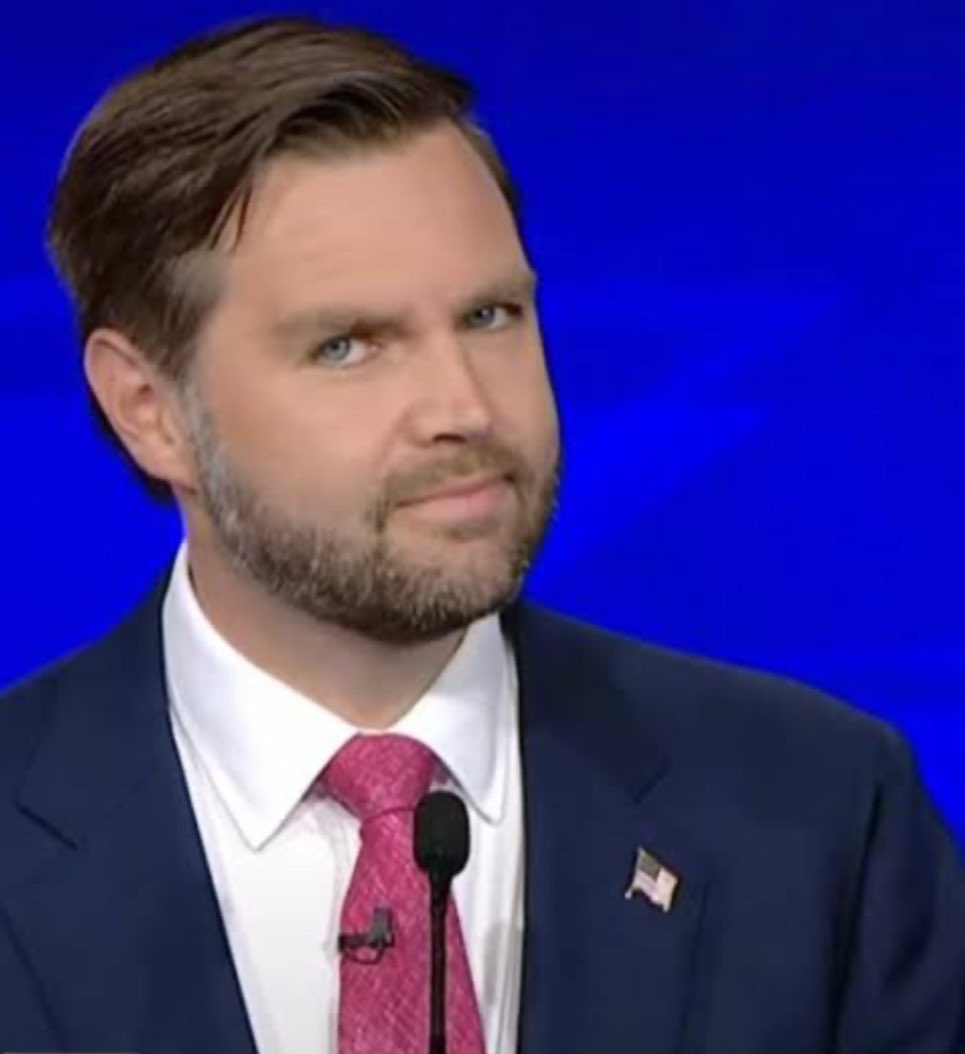
The 'J.D. Vance Side Eye' meme features an image of Ohio Senator J.D. Vance giving a side glance with a slight smirk towards the camera during the 2024 Vice Presidential Debate against Minnesota Governor Tim Walz. Wearing a navy blue suit and a pink tie, Vance's expression caught the attention of viewers and quickly became a popular reaction image used to convey skepticism. This expression drew comparisons to Jim Halpert from 'The Office,' known for his similar fourth-wall-breaking glances. Commentary often suggested Vance's repeated use of the expression was a self-aware attempt to go viral, which some found cringe-worthy.
The meme originated from a post on X (now X) during the U.S. Vice Presidential Debate broadcasted by CBS on October 1st, 2024. The creator captured the moment when Donald Trump's running mate, Ohio Senator J.D. Vance, looked at the camera and smirked, colloquially known as the 'side eye' expression. The post quickly resonated, accumulating significant attention and leading to widespread use of the image in memes.
Origin: 2024
See how the internet is using this meme with real viral tweet examples from X.
Spotted by AI Memes' detection system scanning X in real-time to bring you developing and trending memes on the internet.
AI Memes is a free online meme maker that lets you create viral memes with custom text, images, and AI-powered editing tools.
You can browse our growing library of popular meme templates, quickly caption images, videos, or GIFs in Caption This, or design completely custom image memes from scratch in our free-form editor with extra AI tools like Magic Prompt, Magic Face Swap, Magic Erase, and Magic Face.
The platform includes three main tools:
Text is fully customizable with font selection, weight controls, colors, and styling like outlines and italics. Each text layer has its own opacity slider, and you can drag text around the canvas or drag layers in the sidebar to control which elements appear on top. Add as many text boxes as you need with the "Add Text" button.
Upload and layer additional images onto your meme with the "Upload Image" button. Each image can be repositioned, resized, and have its opacity adjusted. Paste images directly with CMD/CTRL + V for quick edits.
Enable custom headers above your media with adjustable colors and heights—perfect for adding context or reaction text. This works in both Caption This and when editing templates from the meme library.
Yes! Use Caption This to add text, headers, and captions to videos and animated GIFs. Simply upload your video or GIF file, add your customizations, and download the finished meme. The tool preserves the animation and exports your captioned video or animated GIF ready to share.
You can also upload your own videos and animated GIFs in Caption This to add captions and text overlays. The meme template library features hundreds of popular image templates that open in the same editor with all the same customization options.
All our tools work well on mobile! Whether you're on desktop, tablet, or phone, AI Memes is fully optimized for your device. Create memes on your phone during your commute or design on your computer—the interface adapts seamlessly to your screen size. Caption This, the meme template library, and the full editor all work perfectly on touchscreens with intuitive drag-and-drop controls and mobile-friendly buttons.
Yes! There are tons of use cases to use AI Memes for outside of memes. The tools work great for any image, GIF, or video editing needs. Create tutorial screenshots with text annotations, add subtitles to explainer videos, design eye-catching YouTube thumbnails, caption product demos, build Instagram story templates, or create branded video content for your business. If you need to put text or images on media quickly, AI Memes has you covered.
AI Memes supports PNG, JPG, and WEBP images, MP4 videos, and animated GIFs. Your download will match your upload format—bring us an image, get an image back; bring us a video, get a video back; bring us a GIF, get a GIF back.
No account required! You can start creating memes immediately without signing up. Simply visit any tool, upload or select a template, customize it, and download. However, creating a free account gives you access to features like saved projects and your meme creation history. Upgrading to AI Memes Pro removes the AI Memes watermark from your downloads and unlocks tons of powerful AI features in the full editor.